 Soundproof
Guide · How-to
How to Clean Up a Zoom, Interview, or Lecture Recording on a Mac
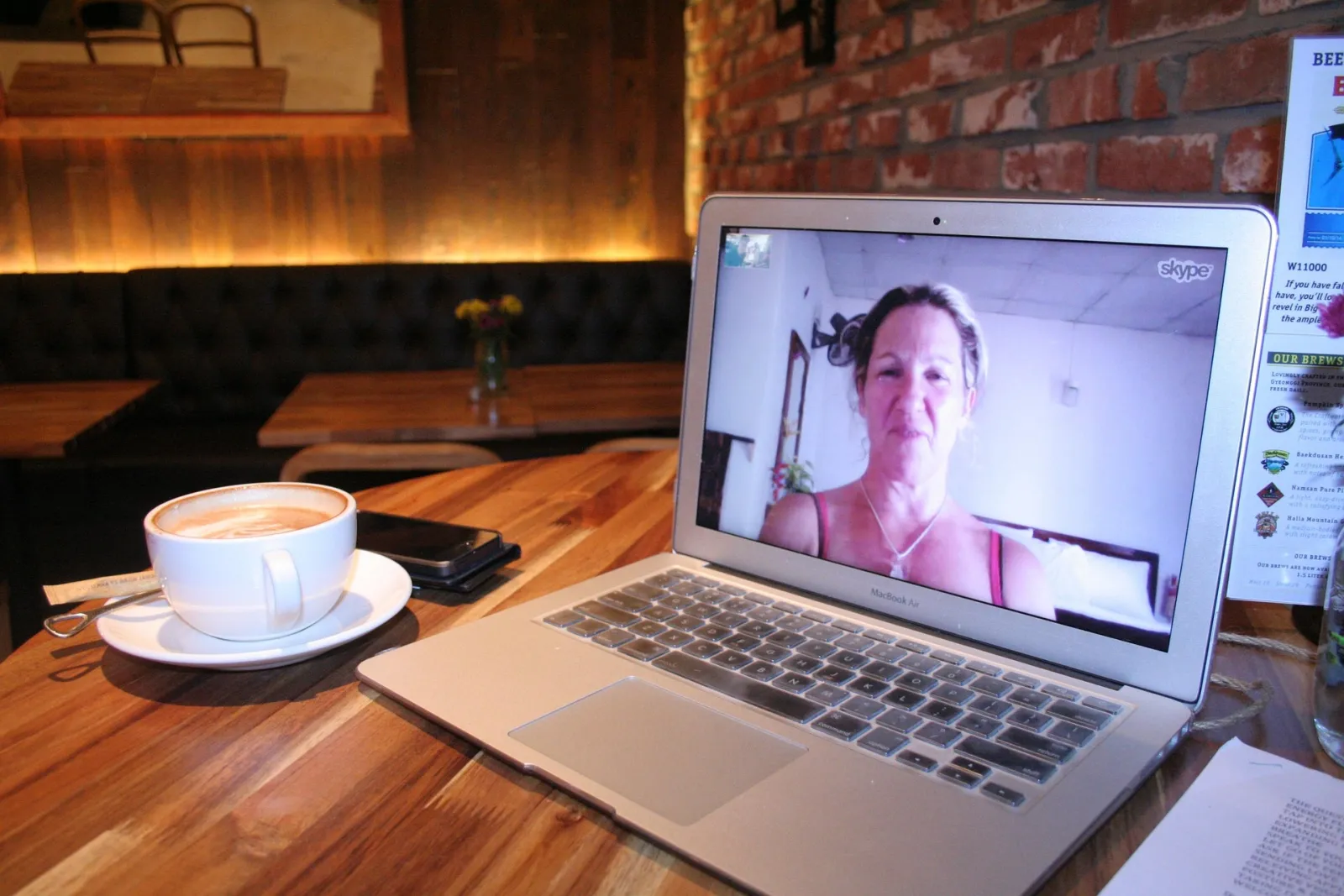
You recorded something that matters — a Zoom call, a sit-down interview, a lecture or talk — and on playback there's a laptop fan, an air conditioner or a room hum sitting under the whole conversation. Now you need a clean file to publish, send, archive or transcribe.
All three are spoken-word recordings dominated by steady background noise — which is exactly the case Soundproof is built for. Here's how to clean one up on your Mac, and where to keep your expectations realistic.
Export the recording, drop it into Soundproof, preview the cleaned result, and export a share-ready file next to the original. Steady fan/AC/room hum comes out cleanly. Cross-talk, a second person's echo, and café chatter are harder and may remain.
Three recordings, one fix
These look different but clean up the same way, because the problem underneath is the same steady noise:
- Video-call recordings — Zoom, Google Meet or Teams. The local fan and room tone are usually the biggest offenders.
- Interviews — recorded on a phone, a handheld recorder or a laptop, in an office, home or café.
- Lectures & talks — a recording from the back of a room, with HVAC and projector fans humming throughout.

Clean it up, step by step
- Get the file out. Save the Zoom/Meet/Teams recording, or export your interview or lecture audio. Soundproof accepts M4A, MP3, WAV, AIFF and more — and MP4/MOV/M4V if you kept the video.
- Drop it in. Drag the file (or a folder of them) onto Soundproof.
- Preview and hold to compare. Play the cleaned result, then hold to hear the original hum — the two-second before/after check.
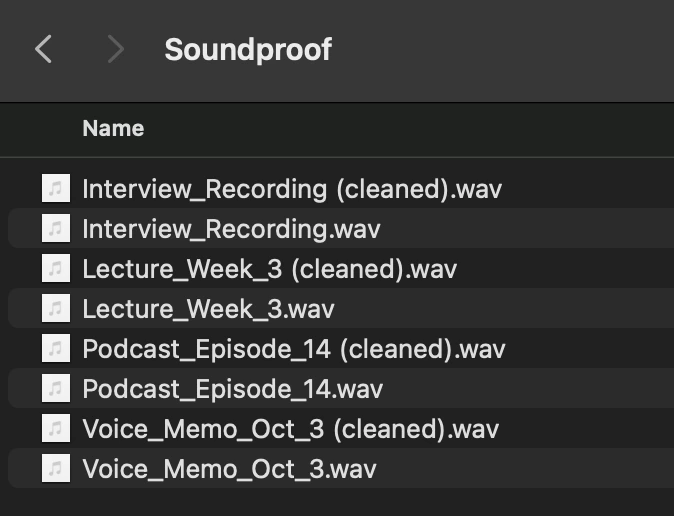
- Pick a preset and export. Start from the Video call or Podcast preset, nudge the strength, and export next to the original. Your source file is never overwritten.
Where it shines — and where to temper expectations
Calls and interviews add a wrinkle that a solo voice memo doesn't: sometimes there's a second voice, an echo, or a room full of people. Be clear-eyed about the difference:
If you would rather not install anything, the free routes are Audacity (sample a noise profile, then apply Audacity’s Noise Reduction effect) or, for a live call you have not recorded yet, Apple’s built-in Voice Isolation. Both work; both cost you time per file rather than money.
✓ Removes reliably
- Laptop and computer fans
- Air conditioning and HVAC hum
- Mains hum and electrical buzz
- Constant room tone and hiss
~ Results vary
- The other person's echo over speakers
- Two people talking over each other
- Café chatter and background voices
- Reverb in a big lecture hall
Soundproof removes steady noise from a voice — it doesn't separate or isolate speakers. If your recording's main issue is a distinct echo or a second person, that may improve but often won't fully clear. For the full breakdown, see what noise can (and can't) be removed.
If you run recordings through a transcription tool, remove the steady hum first. Speech-to-text accuracy drops on noisy audio, so a denoise pass before transcription usually means fewer errors to fix afterward.
Recorded the video too? Keep it.
If you saved the Zoom call as an MP4, you don't have to throw the picture away. Soundproof can clean the audio and remux it back into the video — same picture, quieter track. See removing fan & AC noise from a video for that workflow.
Turn a noisy recording into a clean one
Soundproof removes steady background noise from calls, interviews and lectures — entirely on your Mac, which matters for confidential conversations. Download it free and clean your own recordings first.


macOS 13.4+ · Apple Silicon & Intel · Works offline · One-time purchase, no subscription
Frequently asked questions
Can I clean a Zoom recording that saved as a video (MP4)?
Yes. Drop the MP4 in and Soundproof cleans the audio track and remuxes it back into the video — same picture, quieter sound. Or export just the cleaned audio as WAV, M4A or MP3.
Will it remove the other person's echo on the call?
Steady hum removes well. Echo and cross-talk from a second person over speakers are much harder — they may improve but can still be audible, because Soundproof cleans steady noise rather than separating voices.
Does my call recording get uploaded anywhere?
No. Soundproof cleans everything on your Mac with an on-device model — no cloud, no server, no account. It works offline, which matters for confidential interviews and HR or legal recordings.
Is it good to run before transcription?
Yes. Transcription accuracy drops on noisy audio, so removing steady hum first usually gives a cleaner, more accurate transcript.
Can it fix two people talking over each other?
No — it doesn't separate overlapping speakers. It removes the steady background noise underneath the conversation, not the overlap itself.