 Soundproof
The Soundproof Blog
Mac audio & video noise removal guides.
Practical guides to removing background noise from voice memos, video, calls, interviews and podcasts — fan, AC, hum and hiss. Honest about what works and what doesn't, and everything runs on your Mac.
Guides by topic
Cleaning a recording on your Mac
Step-by-step guides for the recordings people actually have: a voice memo with a fan in the background, a Zoom interview in a room with air conditioning, a video whose audio is the only thing wrong with it. Every method here runs locally — the recording never has to be uploaded anywhere.
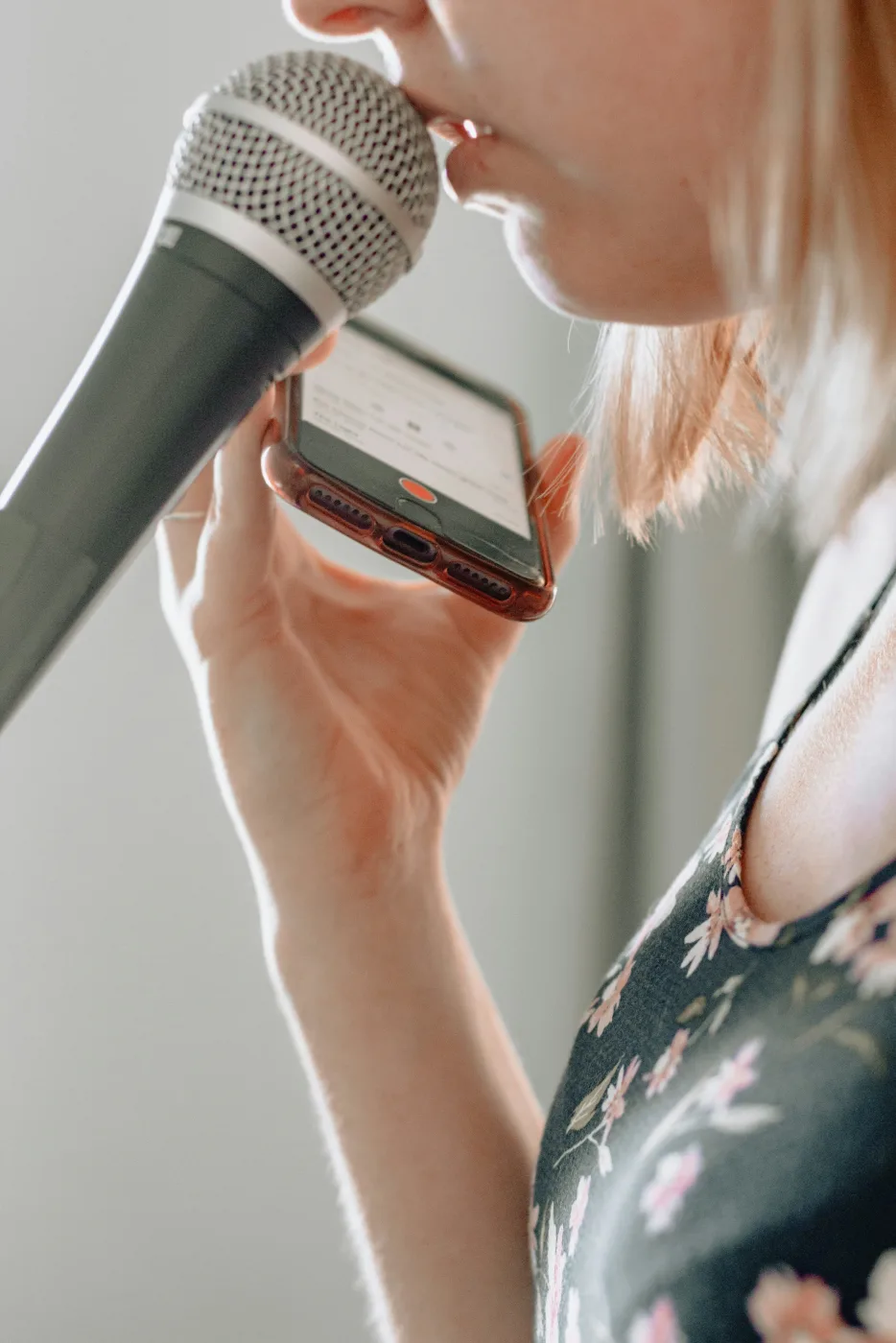
How to Remove Background Noise from a Voice Memo on Mac
Fan, AC or street hum ruining a good take? Clean up a voice memo in a couple of clicks — plus the honest limits of noise removal.
Read the guide →
How to Clean Up a Zoom, Interview, or Lecture Recording
Laptop fan, AC or room hum under your call or interview? Clean it up on your Mac — better to listen to, and better for transcription.
Read the guide →
How to Remove Fan & AC Noise from a Video on a Mac
Clean the audio in a video and remux it back — same picture, quieter track, no re-editing. Steady fan and AC hum come out well.
Read the guide →How to Remove Background Noise Without Uploading Your Audio Anywhere
Most AI cleanup tools upload your recording to a server. Here's how to do it entirely on your Mac — no upload, no account, works offline.
Read the guide →Alternatives to cloud and subscription tools
Most noise-removal tools either upload your audio to a server or bill you monthly. These guides cover the offline, on-device options — including the free ones — for people who want neither.
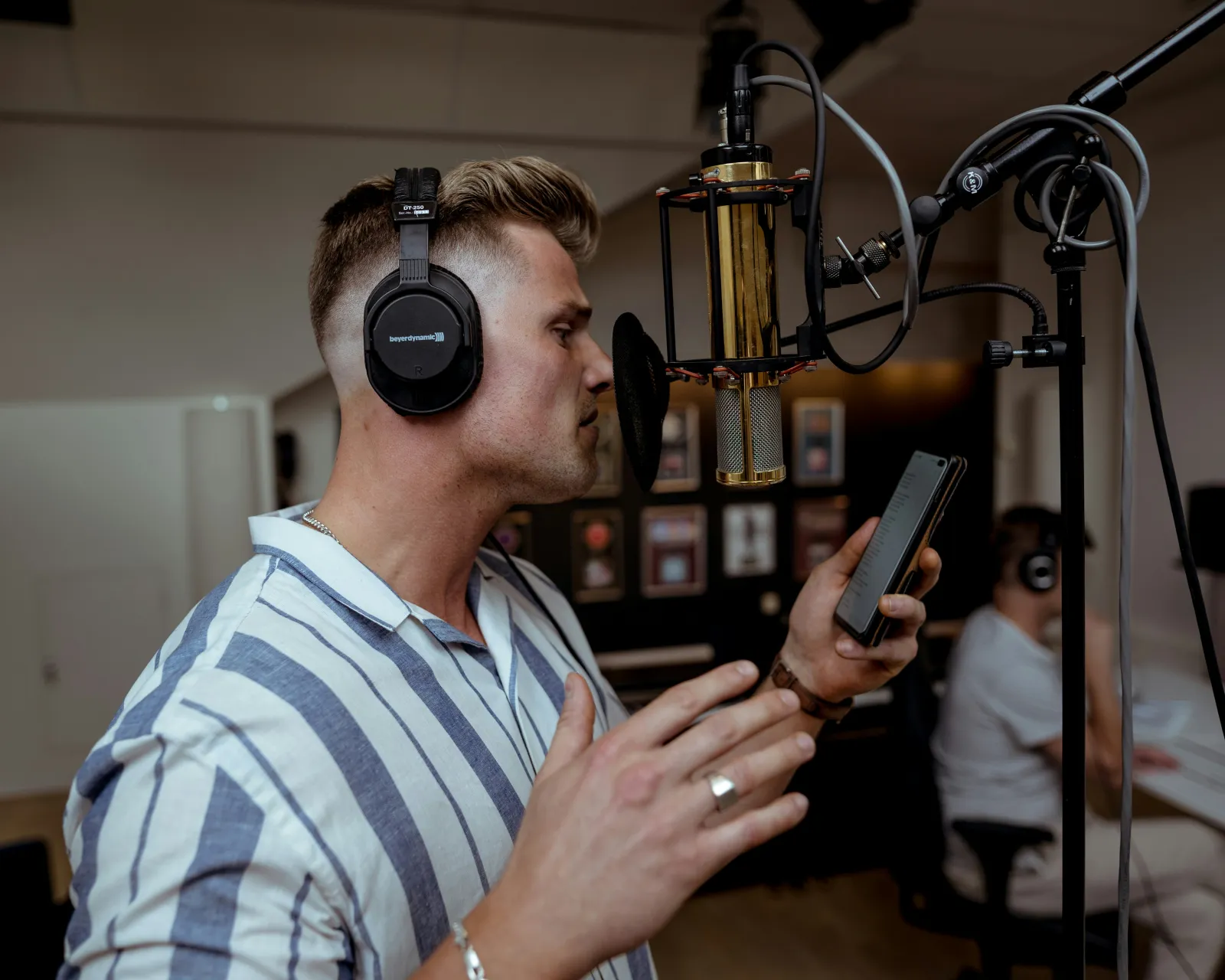
The Best Adobe Podcast Enhance Alternatives That Work Offline
Adobe Podcast is cloud-only. The best alternatives that clean audio offline on a Mac, compared honestly — including free options.
Read the guide →
The Best Krisp Alternatives That Work Offline on a Mac
No subscription, nothing in the cloud — the best local picks, free and paid, for both live calls and cleaning recordings.
Read the guide →
Audacity Noise Reduction: The Settings That Work, and When It Can’t Win
What Reduction, Sensitivity and Frequency Smoothing actually do, the Residue check that catches a bad export, and why spectral subtraction sounds metallic.
Read the guide →Soundproof compared
Honest head-to-head comparisons, including the cases where the other tool is the better choice. If you need de-reverb, live-call suppression, or free, these pages say so.

Soundproof vs Krisp: Cleaning Recordings vs Live-Call Noise
Krisp cancels noise on live calls; Soundproof cleans recordings you already have. Different jobs — here's which one you need.
Read the guide →
Soundproof vs Hush: Local, One-Time Audio Cleanup Compared
Two close alternatives: Hush adds de-reverb; Soundproof adds video, batch and loudness at a lower price. How to choose.
Read the guide →
Soundproof vs Audacity Noise Reduction: One Drop vs Manual
Audacity's noise reduction is free but manual; Soundproof is one drop. The workflow gap, side by side, and which fits you.
Read the guide →How noise removal actually works
Background on the underlying problem: why steady noise like fan, AC, hum and hiss comes out cleanly while background voices and room echo usually don't, and what loudness normalization is for once the noise is gone.

What Noise Can (and Can't) Be Removed from a Recording
Steady hum comes out cleanly; background voices and echo are a coin flip. How to tell which you have — with the measured numbers.
Read the guide →
What Is LUFS, and Why Your Podcast Needs Loudness Normalization
Why one episode blares and the next whispers — and how LUFS normalization fixes it. Target numbers and how it differs from peak level.
Read the guide →